
An A2 poster from A4 sheets: prepare your PDF
Check the PDF first. See the page layout and overlap before using any paper or ink.
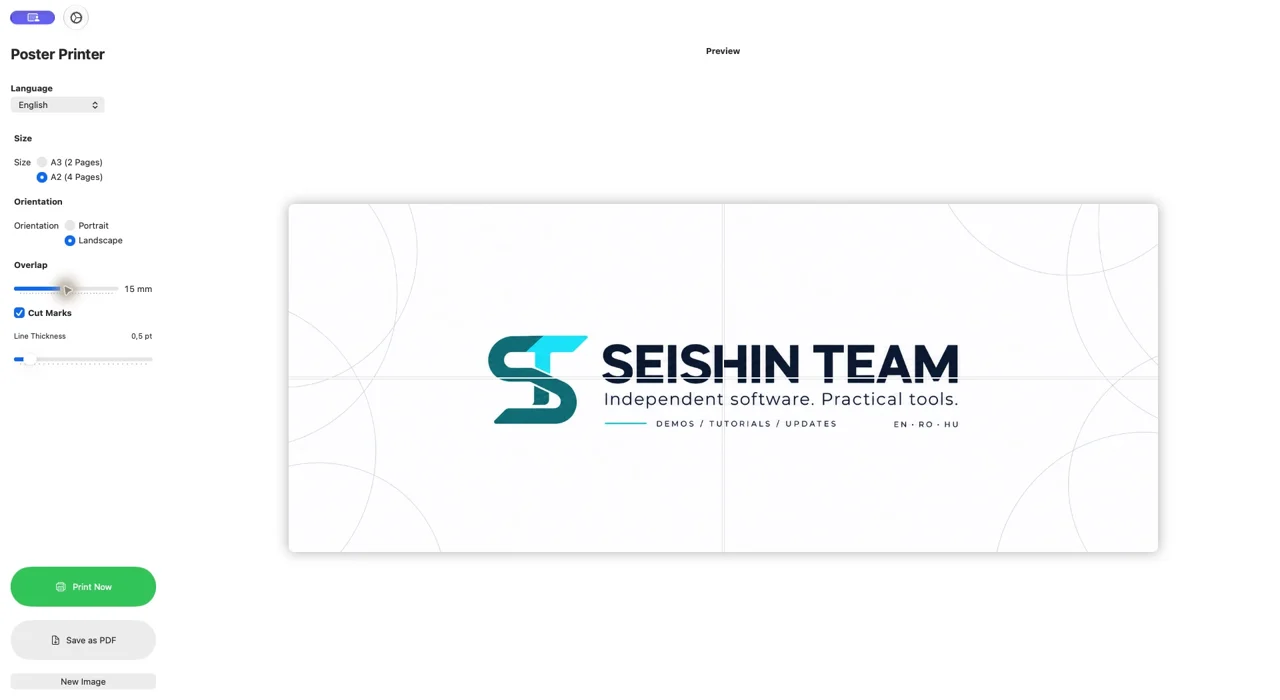
Open an image you own
Choose the image in the Mac edition. You can also use a PNG from our sample pack; image resolution affects enlargement quality.
Prepare the A2 layout
Choose portrait or landscape, adjust overlap and inspect the cut marks. The A2 layout uses four A4 sheets.
Export and inspect all four pages
Save a PDF and open it in a PDF reader. Check page count, orientation and adjoining edges. When printing, check actual-size settings and your printer margins.
Download free sample images ↓
PosterGrid — Details and demonstrationOur own images for testing. ZIP, no registration.