


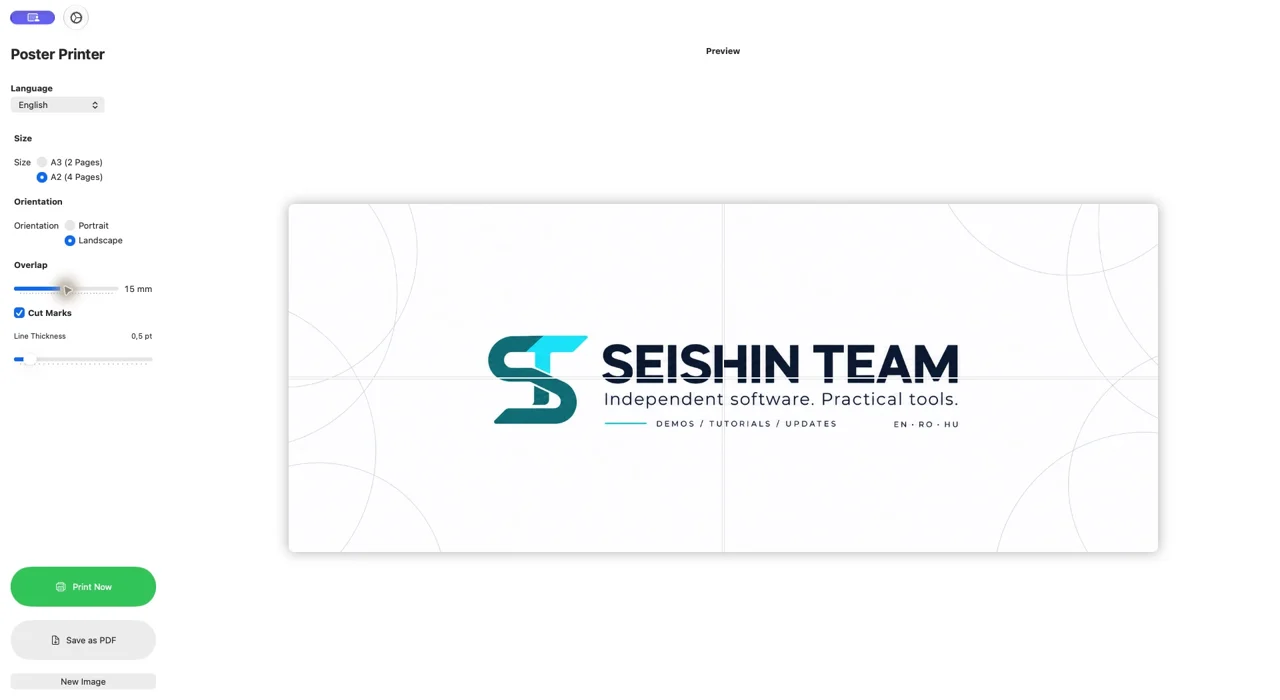
Drop in the image, choose portrait or landscape, then adjust the overlap and cut marks. Inspect the page layout before printing, send it straight to your printer or keep a PDF for later.
A3 uses two A4 sheets; A2 uses four. Image resolution, printer margins and careful assembly all affect the final result. The Mac edition is a one-time purchase.
What can you do with it?
- A3 and A2 layouts on A4 paper
- Portrait and landscape
- Adjustable overlap and cut marks
- PDF export and direct printing
What did we check?
The demonstration verifies a four-page PDF export. It does not include a physical printer test.
Frequently asked questions
Is this the same app on Mac and iPhone?
Mac and mobile editions may have separate store listings. Use the link for the platform shown on this page.
Where can I find the current price?
The App Store shows your regional price and purchase terms. The US price on this page is a dated reference.