
Watermark multiple images while keeping your originals
Start with two test images. Set up the text, then inspect the actual files after the first export.
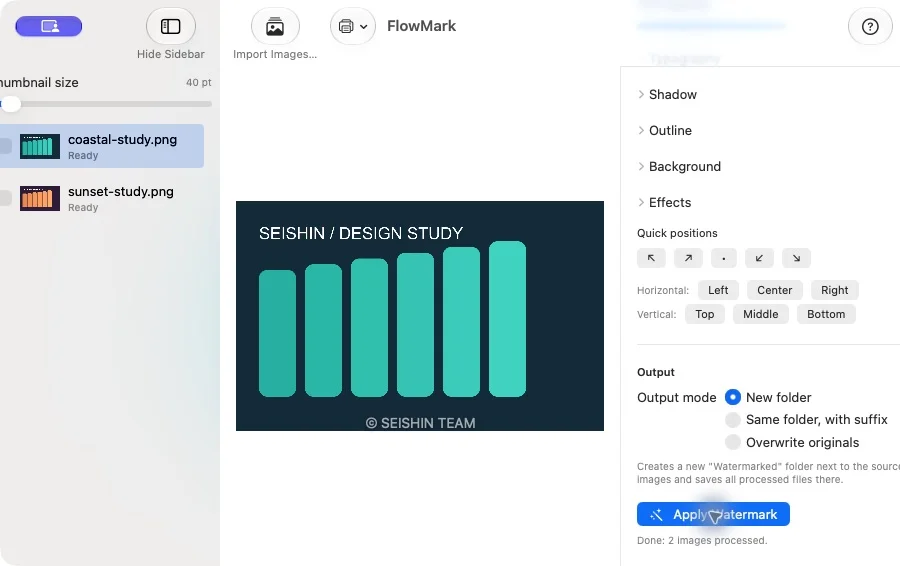
Load two images you own
You can use the two original PNGs in our sample pack. Start with equal-sized images, as in the verified demonstration.
Enter and position the text
Use a short name or attribution line. Check the preview so the text does not obscure an important detail.
Export into a new folder
Select New folder. Open the exported copies and check the watermark and image dimensions; compare the original files too.
Download free sample images ↓
FlowMark — Details and demonstrationOur own images for testing. ZIP, no registration.