


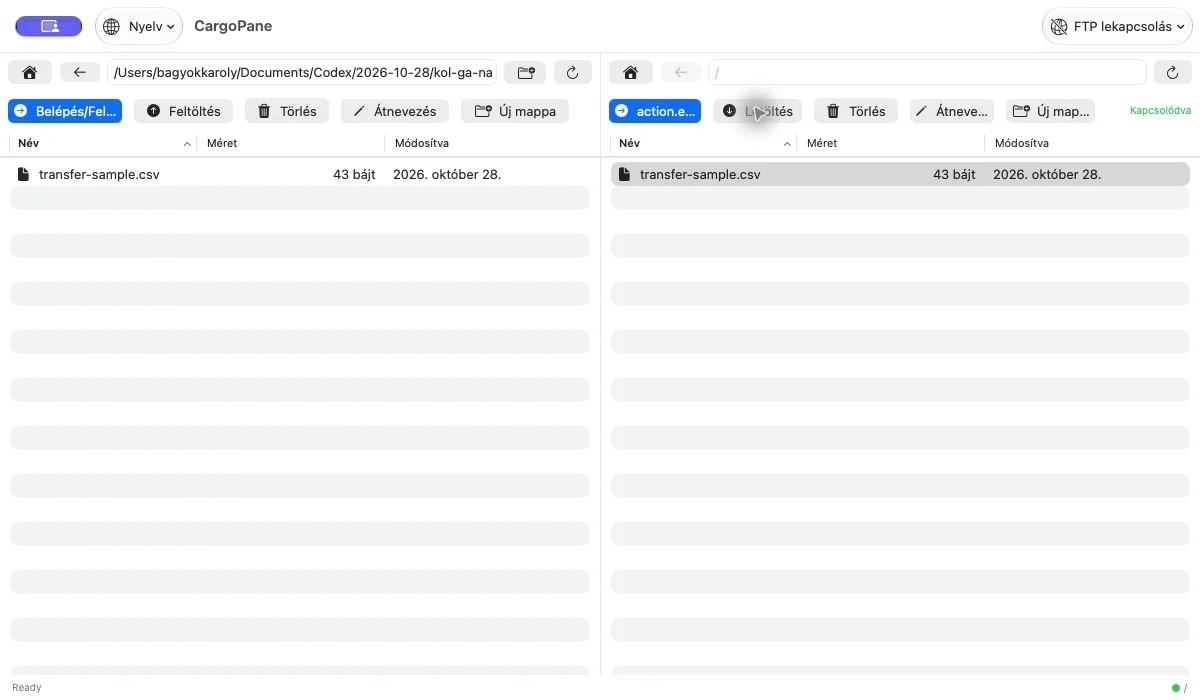
Browse folders, upload and download, create directories and manage filenames in the same workflow. Saved connections make it easier to return to regular servers, with passwords stored in macOS Keychain.
CargoPane uses standard FTP and is a one-time purchase without a separate app account. Server and network settings determine the transport security available for your connection.
What can you do with it?
- Local and remote panes
- FTP uploads and downloads
- Folders, filenames and conflict handling
- Saved servers and macOS Keychain
What did we check?
A CSV and PNG matched their original SHA-256 hashes after a local FTP round trip. This does not establish SFTP/FTPS support, large-file performance or compatibility with other servers.
Frequently asked questions
Is this the same app on Mac and iPhone?
Mac and mobile editions may have separate store listings. Use the link for the platform shown on this page.
Where can I find the current price?
The App Store shows your regional price and purchase terms. The US price on this page is a dated reference.